
Advancing Accessibility Together

Accessibility Insights & Resources

Stay informed about digital accessibility standards, compliance updates, and practical strategies to create inclusive digital experiences for everyone.

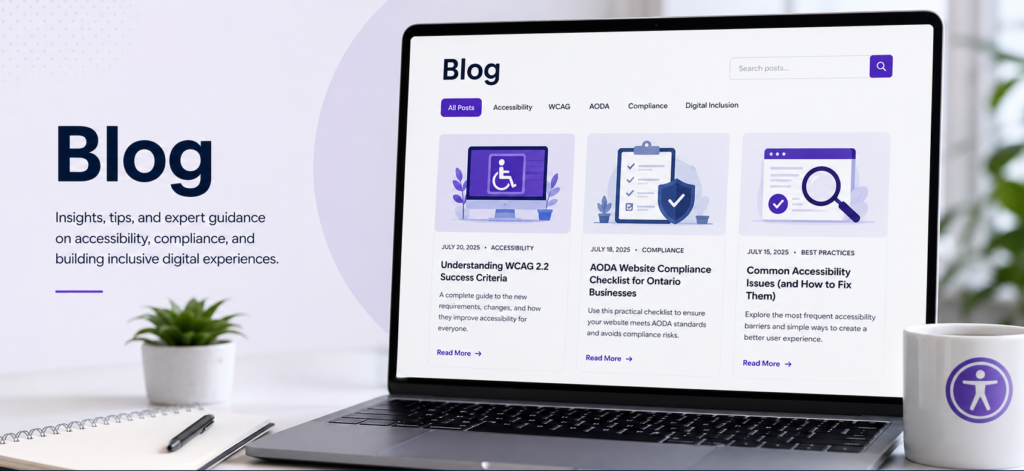
Laptop screen displaying a blog homepage titled 'Blog' with articles on WCAG 2.2, AODA compliance, and accessibility best practices, next to a potted plant, notebook, pen, and coffee mug with an accessibility icon.

Accessibility Knowledge Hub | WCAG, AODA & Digital Accessibility
Illustration of a WCAG 2.2 checklist with success criteria checkmarks next to an accessibility icon, representing web accessibility compliance

WCAG 2.2 Success Criteria Explained: Guide to Website Accessibility

Discover the key WCAG 2.2 success criteria and learn how they help organizations create more accessible, inclusive, and compliant websites.
Illustration of an AODA compliance checklist with checkmarks next to a shield icon, representing website accessibility for Ontario businesses

AODA Website Compliance Checklist for Ontario
Businesses

A practical AODA website compliance checklist to help Ontario businesses identify accessibility barriers and create more inclusive digital experiences.

What is WCAG ?

Web Content Accessibility Guidelines (WCAG) are the international standard for making websites and digital content accessible to people with disabilities, helping organizations create inclusive and compliant digital experiences.

Learn more about the Web Content Accessibility Guidelines (WCAG) on the W3C website.

Document Accessibility & PDF Compliance
Illustration of a PDF document checklist showing error marks turning into checkmarks, next to a wrench icon, representing common PDF accessibility errors and their fixes.

Common PDF Accessibility Errors and Solutions | PDF Accessibility Guide

Learn the most common PDF accessibility errors, how to fix them, and why accessible PDFs are essential for WCAG, AODA, ADA, and Section 508 compliance.
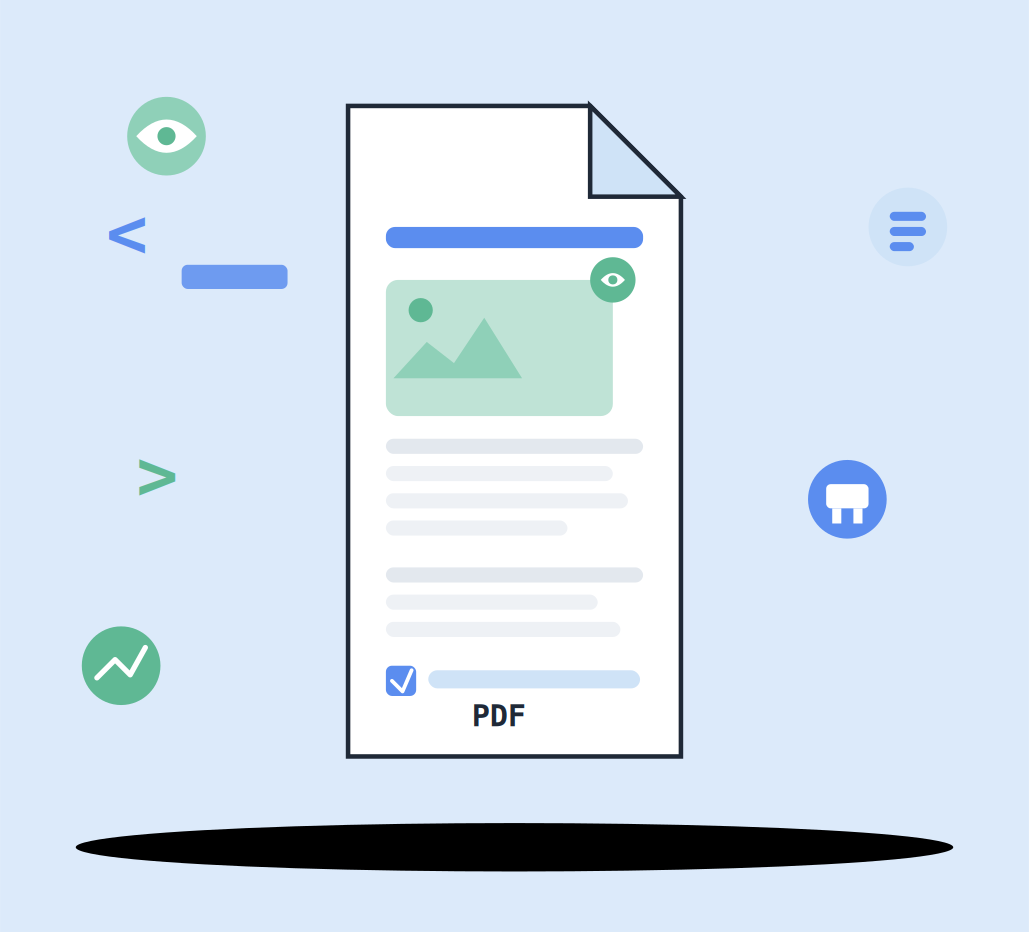
Illustration of a PDF document with a tagged heading, an image placeholder with an alt-text icon, and structured paragraph tags, surrounded by code brackets and accessibility icons, representing WCAG-compliant PDF development.

PDF Accessibility for Developers: Create WCAG-Compliant PDFs

Learn how developers can create accessible PDFs that meet WCAG and PDF/UA standards. Discover PDF tagging, accessible forms, testing tools, and best practices.

Accessible UI Components
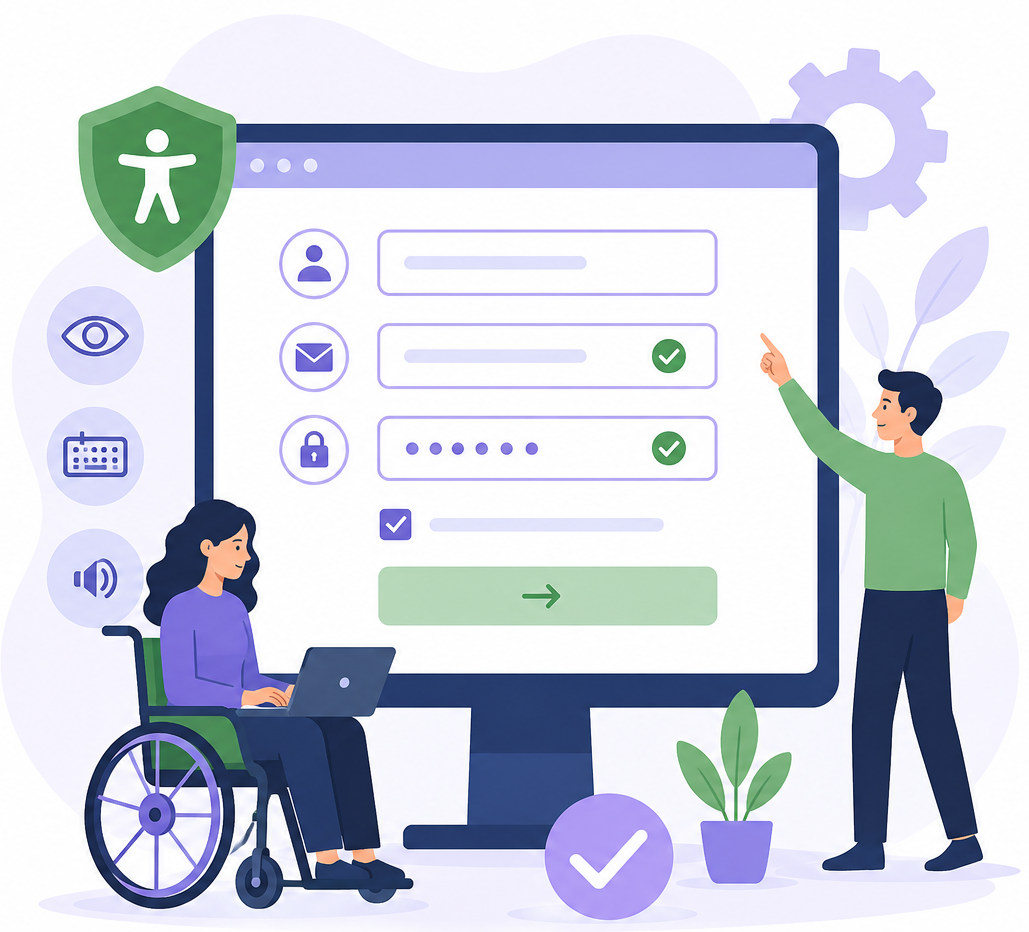
Create accessible website forms that everyone can use. Learn common WCAG form accessibility issues, best practices, and solutions to improve usability, SEO, and conversions.

Form Field Accessibility: WCAG Best Practices

Learn how to create accessible website forms that comply with WCAG 2.2. Discover common form field accessibility issues, practical solutions, and best practices to improve usability, SEO, and conversions.

Illustration of a desktop monitor displaying a website with image placeholders and accessibility icons in blue and green, representing image accessibility and alternative text concepts.

Image Accessibility:
WCAG Best Practices

Learn how to make images accessible with WCAG best practices. Discover how to write effective alt text, handle decorative images, optimize infographics, and improve accessibility for all users.

Faire défiler vers le haut